How to Build a Professional Resume in Minutes Using AI for Free
Learn how to create a job-ready, ATS-compliant resume in minutes using AI. No signup, no hidden paywalls, and instant free PDF downloads.
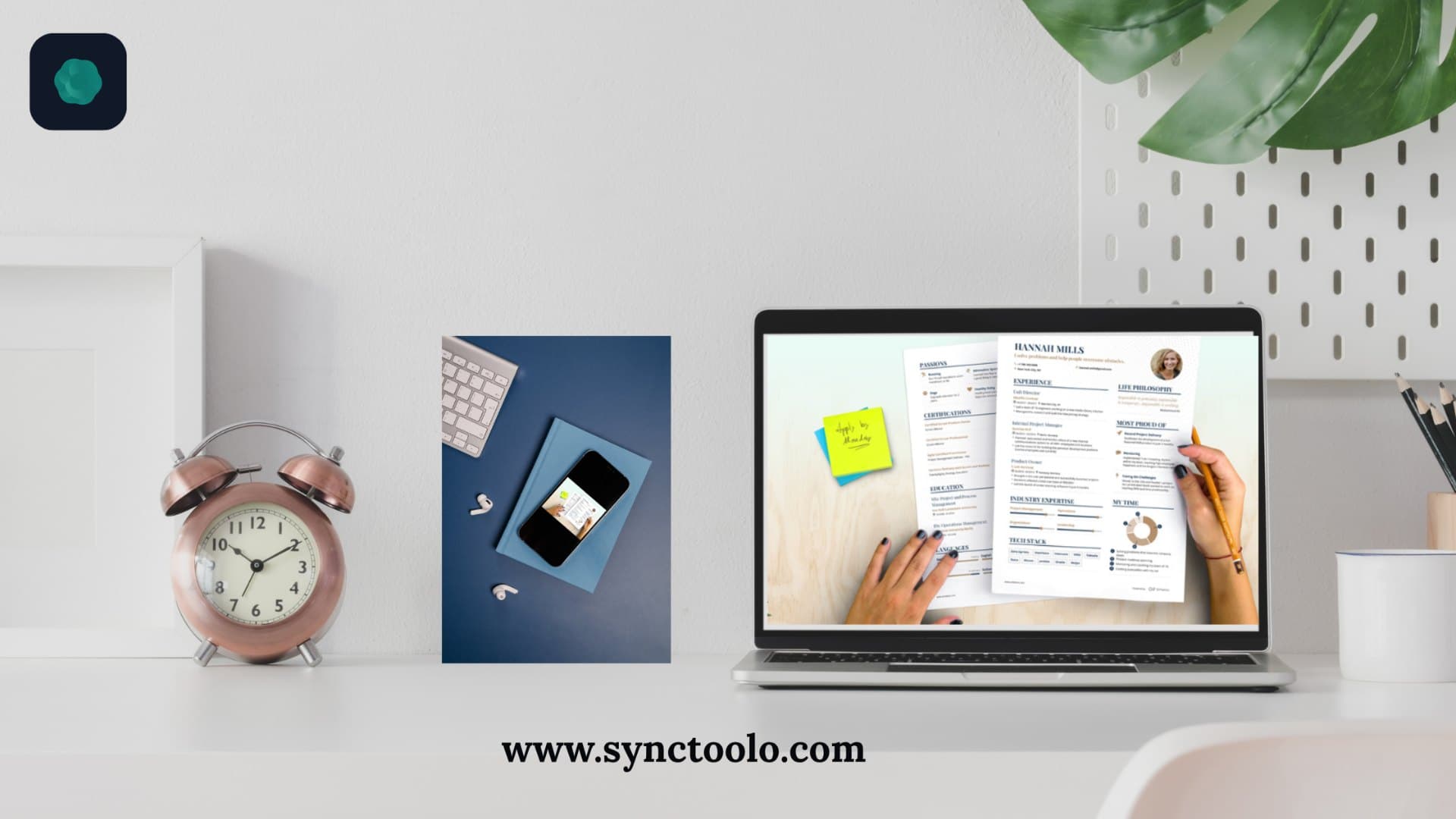
Writing a standout resume is one of the most time-consuming parts of the job hunt. Trying to summarize years of professional accomplishments into crisp, impact-driven bullet points often leads to hours of staring at a blank document.
Artificial intelligence has transformed this process. By pairing intelligent content assistance with clean design templates, you can transform rough notes into an applicant tracking system (ATS) compliant resume in minutes.
The 4 Core Elements of an ATS-Compliant Resume
Most medium and large employers use Applicant Tracking Systems to scan incoming applications before a human recruiter reads them. To ensure your resume passes automated filters:
- Clean Single-Column Hierarchy: Avoid complicated multi-column layouts, graphics, or text boxes that confuse parsing algorithms.
- Action-Oriented Bullet Points: Start every responsibility with a strong action verb (e.g., Spearheaded, Streamlined, Engineered) followed by quantifiable outcomes.
- Keyword Optimization: Reflect the specific terminology, skills, and qualifications listed in the target job posting.
- Standard PDF Formatting: Always export as a clean, text-searchable PDF rather than an image-based scan.
Who Benefits Most From an AI Resume Builder?
An AI-powered resume builder serves professionals across every stage of their career:
- Students and Recent Graduates: Structure coursework, internships, and academic projects into an attractive first CV.
- Software Developers and Technical Talent: Clearly highlight programming languages, frameworks, and system architecture accomplishments.
- Career Switchers: Translate transferable skills into language that resonates with hiring managers in a new industry.
- Experienced Leaders: Condense extensive work histories into high-impact executive summaries.
Step-by-Step: Assembling Your Resume with Synctoolo
Building a polished resume with Synctoolo takes four straightforward steps:
Step 1: Enter Your Core Background
Add your contact details, education, and employment history. Focus on your actual responsibilities and achievements without stressing over exact phrasing yet.
Step 2: Enhance Your Bullet Points with AI
Use the built-in AI enhancer to turn basic job duties like "handled customer support tickets" into measurable achievements like "resolved 45+ daily technical inquiries with a 98% customer satisfaction score."
Step 3: Select a Clean, Professional Layout
Choose an ATS-friendly template optimized for readability and visual balance across desktop and mobile screens.
Step 4: Download Your PDF Instantly
Export your finished document in one click. No account creation, no credit card prompts, and no watermarks.
Start Building Your Resume Today
Your resume represents your first impression with hiring teams. Don't let complicated software or hidden paywalls slow your momentum. Use Synctoolo's free AI Resume Builder to create a job-ready CV in minutes.
Tools mentioned in this article
FAQ
How can AI improve my resume bullet points?+
AI helps convert passive job descriptions into active, result-oriented statements using the Action Verb + Context + Measurable Result formula.
What file format is best for submitting job applications?+
PDF is the gold standard because it preserves typography, margins, and formatting across all operating systems and Applicant Tracking Systems.
Do I need to create an account to build a resume on Synctoolo?+
No. You can upload, customize, and export your resume immediately without providing an email address or creating an account.
We build and review free, privacy-first tools at Synctoolo.
Keep reading

Pass modern Applicant Tracking System filters. Learn how Workday, Taleo, and Greenhouse parse resumes, evaluate semantic relevance, and flag keyword stuffing.

Discover how AI language translation evolved. Compare Neural Machine Translation (NMT) with Statistical Machine Translation (SMT) and BLEU score benchmarks.