YouTube Video Description SEO: The High-Retention Template for Timestamps, Links, and Search Keywords
Optimize YouTube video descriptions for search discovery. Learn timestamp chapter formatting, keyword placement above the fold, and high-CTR layout templates.

Many YouTube creators exhaust their creative energy writing titles and designing thumbnails, treating the video description as an afterthought where they dump twenty affiliate links and social media handles. This missed opportunity severely limits algorithmic reach.
YouTube's search and recommendation algorithms rely heavily on description text to understand the topical entities, timestamps, and vocabulary within your video. Furthermore, properly structured descriptions enable Google Search Video Key Moments, allowing your video chapters to rank directly on Google's search engine result pages.
This guide explains the 3-zone architecture of a high-converting description, details chapter timestamp formatting rules, and provides a ready-to-use template. You can generate optimized video copy in seconds using Synctoolo's free AI YouTube Description Generator.
The 3-Zone Description Blueprint
YouTube allows descriptions up to 5,000 characters. To maximize search indexation and user conversion, structure your description into three distinct zones:
| Zone | Visible Location | Target Length | Core Objective |
|---|---|---|---|
| Zone 1: The Hook & Context | Above the "Show More" fold | First 150 – 200 characters | Appears in Google/YouTube search snippets. Front-load primary keywords and viewer benefit. |
| Zone 2: Timestamps (Chapters) | Middle section | 150 – 350 words | Enables Google Key Moments; improves viewer retention by facilitating easy navigation. |
| Zone 3: Resources & Social Proof | Bottom section | Remaining space | Download links, equipment used, related playlists, and contact details. |
The 4 Golden Rules for YouTube Chapters
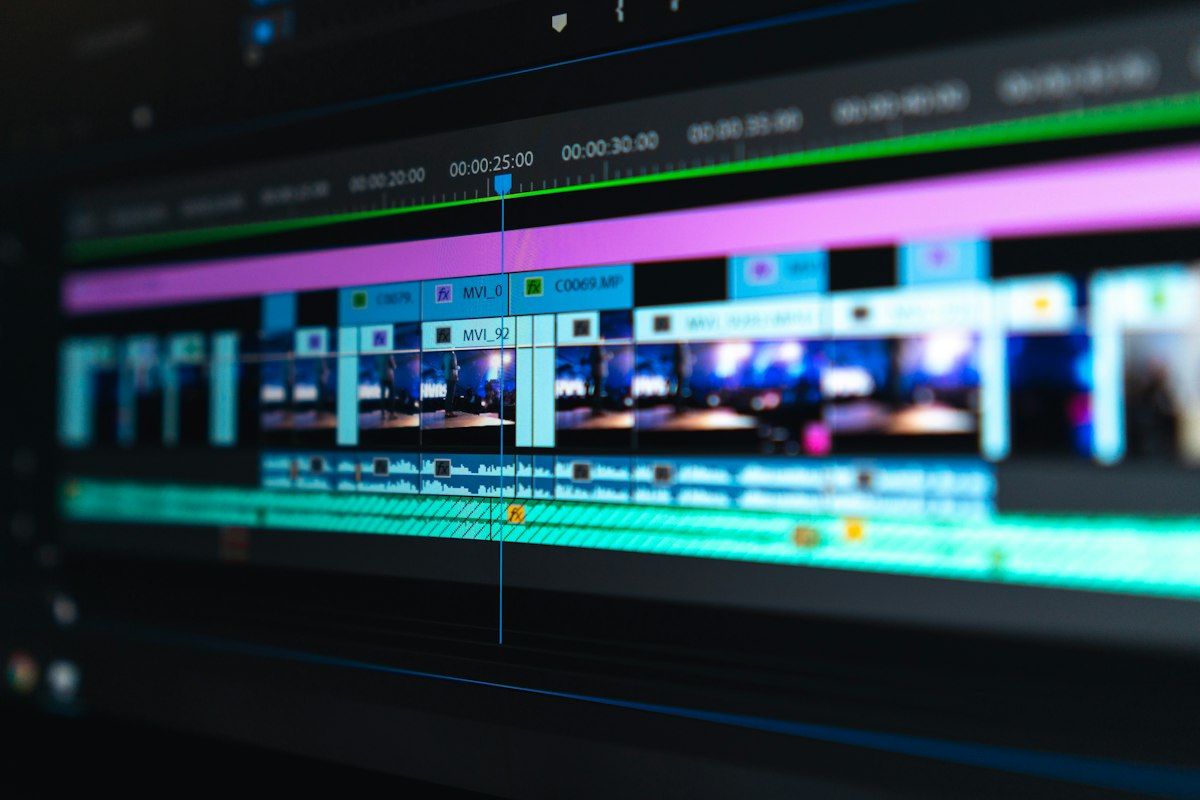
To ensure YouTube's algorithm automatically parses your timestamps into interactive video chapters on the playback bar and on Google Search, follow these exact requirements:
- First Timestamp Must Be 0:00: Your list must start with
0:00(or00:00), labeled as "Introduction" or the opening hook topic. - Minimum 3 Chapters: You must include at least three separate timestamps in chronological order.
- Minimum 10 Seconds per Chapter: Each timestamped section must be at least 10 seconds long.
- Descriptive Chapter Titles: Use searchable keyword phrases (e.g.
03:45 How to Configure CORS Headers) rather than generic labels like03:45 Part 2.
The High-Converting Description Template
[One-sentence hook summarizing the core takeaway with primary keyword]. In this video, you'll learn [2 specific outcomes].

Try the free tools mentioned:
- Synctoolo Utilities: https://www.synctoolo.com/tools

TIMESTAMPS:
0:00 - Introduction & The Core Problem
01:45 - Step 1: Setting Up the Architecture
04:20 - Step 2: Fixing Configuration Errors
07:15 - Real-World Performance Benchmarks
10:30 - Final Recommendations & Checklist

RESOURCES & CODE:
- GitHub Repository: [Link]
- Full Written Guide: [Link]

CONNECT WITH US:
- Follow on X: [Handle]
- Subscribe for weekly engineering guides
Draft complete description packages with automatic timestamp suggestions using Synctoolo's free AI YouTube Description Generator and pair them with hook titles from our YouTube Title Generator.
How Google Search Surfaces YouTube Key Moments in SERPs
When properly structured, YouTube timestamps are extracted directly by Google's web crawler and displayed as interactive "Key Moments" in Google Search results. This allows searchers to skip directly to the exact answer on your timeline without watching the entire video, dramatically boosting organic CTR from Google web search.
To qualify for Google Search Key Moments, your description must satisfy these four structural rules:
- The first timestamp must be explicitly listed as
0:00or00:00(label it "Introduction" or "Overview"). - You must include at least three chronological timestamps in ascending order.
- Each chapter clip must be at least 10 seconds long.
- Each chapter title must be descriptive (e.g. "Step 2: Configuring Database Tables" rather than "Part 2").
The First 3 Hashtags Rule
YouTube extracts the first three hashtags included anywhere in your video description and renders them prominently above or alongside your video title on mobile and desktop apps. Choose these three tags deliberately:
- Hashtag 1 (Broad Category): #WebDevelopment or #PersonalFinance
- Hashtag 2 (Specific Topic): #NextJS or #TaxDeductions
- Hashtag 3 (Brand or Campaign): #SynctooloTutorial or #CodeCamp
Warning: Including more than 60 hashtags in a single description triggers YouTube's automated spam detection, causing the platform to ignore every hashtag on your video and potentially demoting your search rank.
Production-Ready Copy-Paste Description Template
[One punchy sentence summarizing the exact solution provided in this video, including primary keyword]. In this comprehensive walkthrough, you will learn [secondary keyword 1], [secondary keyword 2], and how to avoid [common mistake].

Free Tool Mentioned:
► https://synctoolo.com/tools/ai-youtube-description

CHAPTER TIMESTAMPS:
0:00 - Introduction & Problem Overview
0:45 - Key Equipment and Prerequisites
2:10 - Step 1: Initial System Setup
4:30 - Step 2: Implementation & Code Walkthrough
6:50 - Live Demonstration & Verification
8:15 - Common Pitfalls & Troubleshooting
9:40 - Summary & Next Steps

RESOURCES & DOCUMENTATION:
► Official Documentation: [Link]
► GitHub Repository: [Link]
► Related Tutorial: [Link]

CONNECT WITH US:
► Website: https://synctoolo.com
► Twitter / X: @synctoolo

#YouTubeSEO #ContentCreation #CreatorTips
Tools mentioned in this article
FAQ
How many hashtags should I include in a YouTube description?+
Include 3 to 5 targeted hashtags at the very bottom of your description. The first three hashtags appear above your video title on mobile. Adding more than 15 hashtags causes YouTube to ignore all hashtags on the video.
Does changing my description hurt existing search rankings?+
No. Updating a description to add structured timestamps and clearer keyword context frequently improves search discoverability, especially for older back-catalog videos.
We build and review free, privacy-first tools at Synctoolo.
Keep reading

Learn the differences between an executive summary and an academic abstract. Discover length benchmarks, structural frameworks, and formatting templates.
Learn how YouTube truncates titles on mobile feeds. Discover the optimal 50-character hook rule, keyword front-loading, and thumbnail synergy tactics for higher CTR.